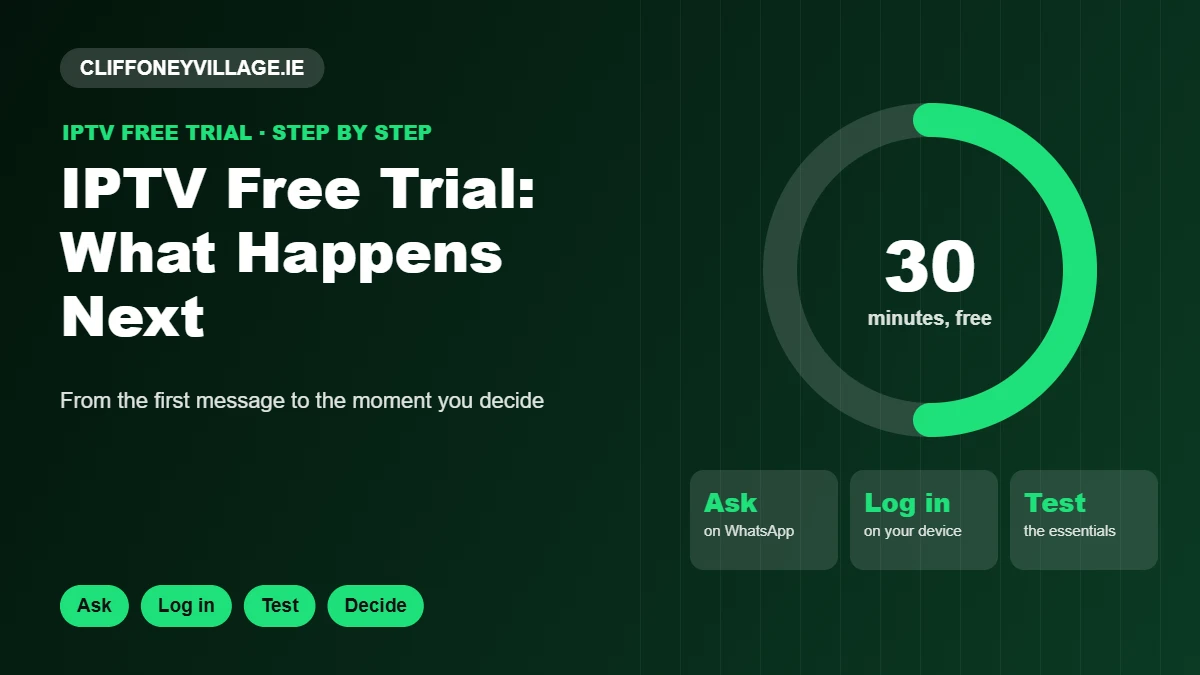
Asking for an IPTV free trial can feel like a step into the unknown. Who do you message? What do you get back? How long do you have, and what happens when it ends? Most people find out by trial and error, and by the time they have worked it out, half the trial has gone.
This guide walks you through our free trial from the first message to the moment you decide, so you can use every one of the 30 minutes on the things that matter.
Key takeaways
- You ask on WhatsApp, receive a trial login and enter it into an IPTV app.
- The trial lasts 30 minutes and needs no payment to start.
- Spend the most time on live sport, because it is the hardest test.
- Nothing renews when the trial ends; you choose a plan only if you want one.
Contents:
- Before you ask: three things to have ready
- Your free trial, step by step
- How to spend the 30 minutes
- If something does not work
- When the trial ends
- Plans
- FAQs
Before you ask: three things to have ready
- Your device. Know whether you will test on a smart TV, a Firestick, an Android box or a phone. If your TV is a few years old, our guide to the best IPTV for older TVs is worth a look first.
- The app. Install an IPTV player app from your device’s official app store before you start. If you are unsure which one, ask us when you request the trial.
- The right time. Pick a time when you can actually watch, ideally an evening with live sport on.
Your free trial, step by step
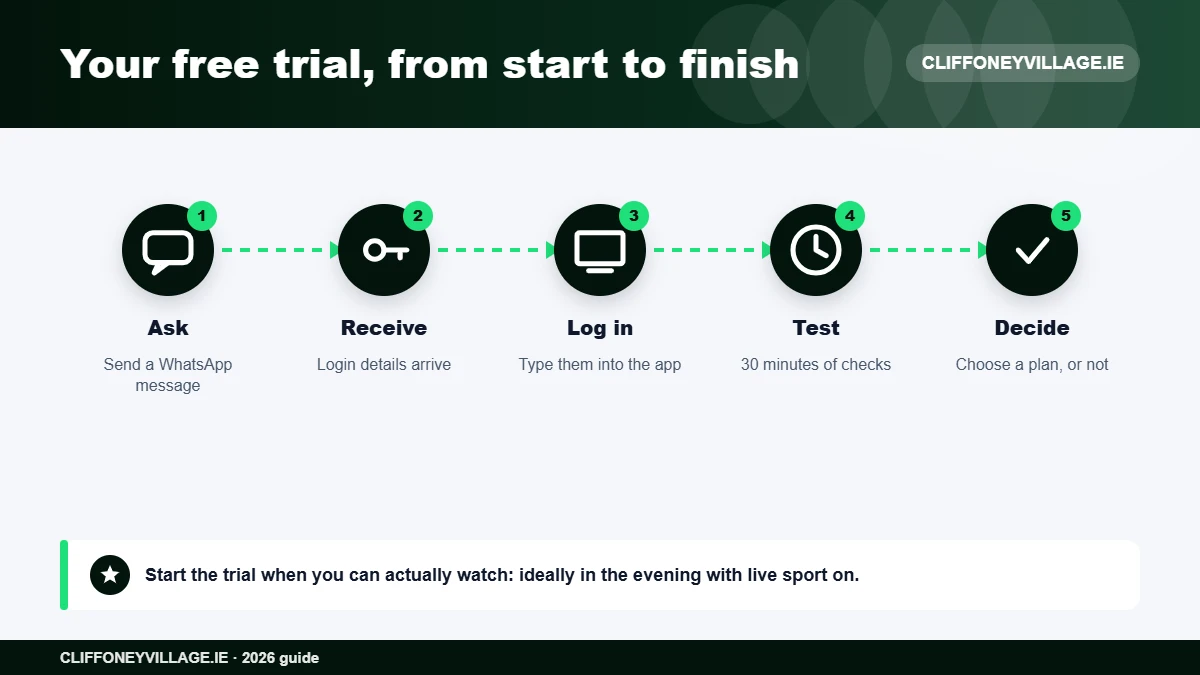
- Ask. Send us a WhatsApp message saying you would like a free trial and which device you will use.
- Receive. We reply with your trial login details and a quick note on the app to use.
- Log in. Type the details into the app yourself. Typing beats copy and paste, which can add hidden spaces.
- Test. Use the 30 minutes on the checks below.
- Decide. Choose a plan if you are happy, or simply let the trial end.
Our IPTV setup guide covers the login screen on each type of device in detail.
How to spend the 30 minutes
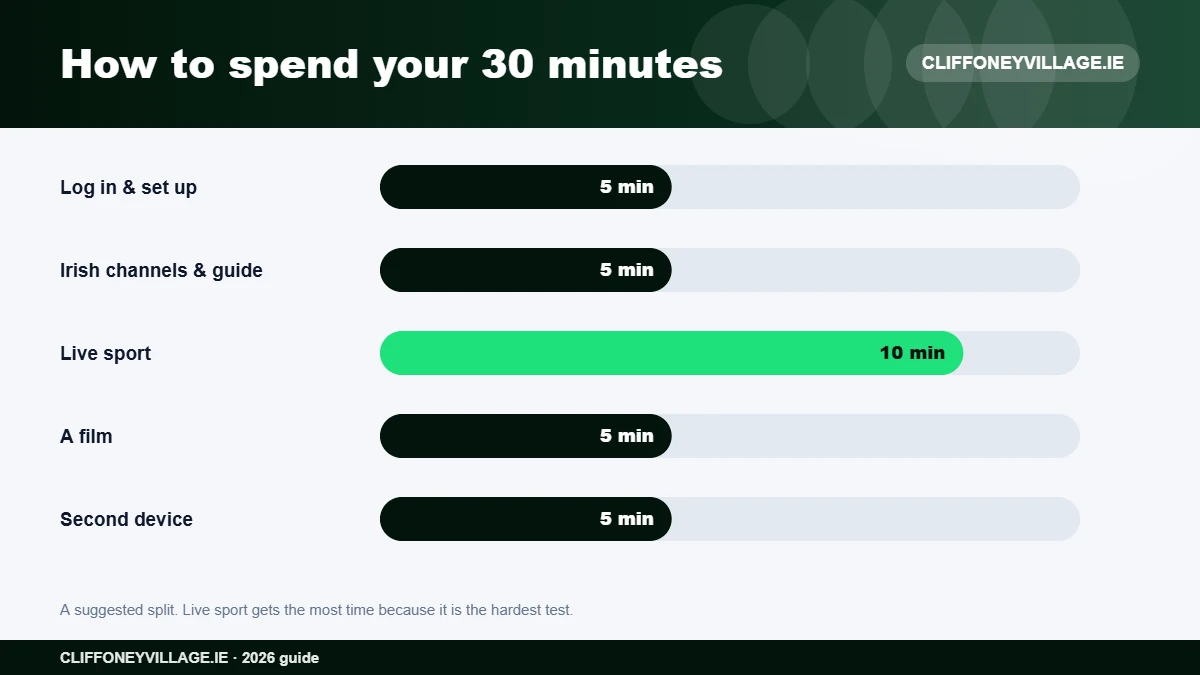
Give the first five minutes to logging in and having a look around. Then spend five minutes on the Irish channels and the TV guide: RTÉ One, RTÉ2, TG4 and Virgin Media One, with the right programmes at the right times. Give live sport the biggest slice, ten minutes, because that is where weaker services struggle. Use five minutes on a film to check the picture, and finish with five minutes on your phone or a second TV.
Want a longer, more detailed checklist? See our IPTV trial test plan.
If something does not work
Do not let a problem eat your trial. If the login is refused, retype it carefully. If a channel buffers, try another and note it. If the app will not open on your TV, test on your phone instead and message us so we can suggest a different app. A quick reply from us during your trial is also a good sign of the support you would get later.
When the trial ends
The trial login stops working after 30 minutes. Nothing renews and nothing is charged. If you liked what you saw, message us, pick a plan and we will set you up. If you are still deciding, our provider questions checklist helps you compare.
Plans
Every plan includes the same channels and support. Our subscription cost guide explains the real cost per month.
| Plan | Price | Works out at |
|---|---|---|
| 1 month | €14.99 | €14.99 a month |
| 3 months | €29.99 | €10.00 a month |
| 6 months | €39.99 | €6.67 a month |
| 12 months | €49.99 | €4.17 a month |
See all plans here, or read our guide to the best IPTV in Ireland.
Safe and legal viewing
Check that you have the right to watch the content you stream, and follow the rules that apply where you live. Only install apps from official app stores, and be wary of anyone offering a “free trial” that asks for passwords or payment details up front.
FAQs
How do I get an IPTV free trial?
Send us a message on WhatsApp asking for a free trial. We reply with your trial login details and tell you which app to use on your device.
How long is the free trial?
Our IPTV free trial lasts 30 minutes. That is enough to check the things that matter if you plan it, which is what this guide is for.
Do I need to pay or enter card details for the free trial?
No payment is needed to start the trial. You only choose and pay for a plan afterwards, if you are happy with what you saw.
Can I use the free trial on my TV and my phone?
Yes. Log in on your main TV first, then try the same details on your phone or tablet for the last few minutes so you know it works on both.
What happens when the free trial ends?
The trial login simply stops working. Nothing renews automatically. If you would like to continue, message us and choose a plan.
The bottom line
An IPTV free trial is only useful if you know what happens next. Have your device and app ready, ask on WhatsApp, type the login in yourself and spend the 30 minutes on Irish channels, live sport, a film and a second screen. By the end you will know whether the service is right for you, with nothing to cancel.
Ready for your free trial? Message us on WhatsApp, see our plans or contact us. More guides are on our blog.