You do not need a brand-new television to enjoy great IPTV. A lot of Irish homes have a perfectly good TV that is five, eight or even ten years old, with a picture that still looks fine but a built-in app that has become slow, unsupported or simply missing. The best IPTV setup for these TVs is cheap, quick and makes them feel new again.
This guide explains what you need, the six steps to a smooth picture and which devices work best on older screens.
Key takeaways
- Almost any TV with an HDMI port can run IPTV with a streaming stick.
- A Fire TV Stick or Android box is usually better than an old built-in app.
- Full HD is the right choice for most older screens.
- Fix the picture mode and Wi-Fi for a big improvement at no cost.
Contents:
- Why older TVs struggle with IPTV
- Six steps to the best IPTV on an older TV
- Which device to choose
- Plans and prices
- FAQ
Why older TVs struggle with IPTV
The screen itself is rarely the problem. Older Smart TVs have slow processors, limited memory and app stores that manufacturers stopped updating years ago. That leads to slow channel changes, apps that crash and, eventually, apps that disappear altogether. Plugging in a modern streaming stick sidesteps all of it.
Six steps to the best IPTV on an older TV
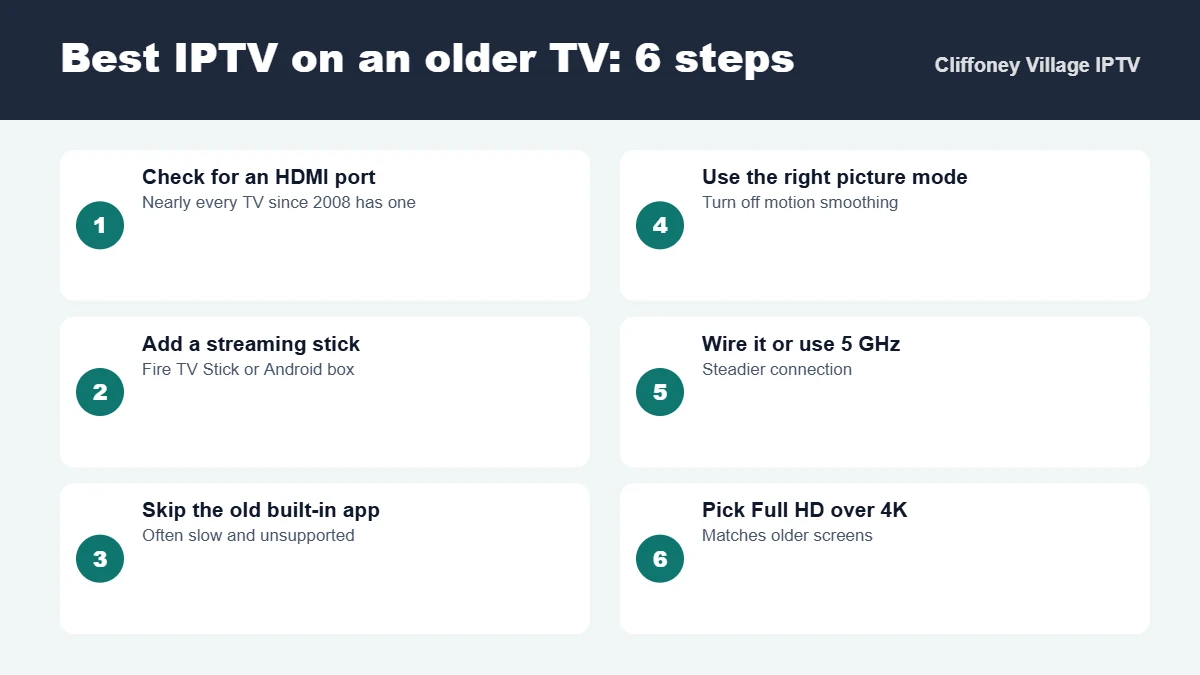
1. Check for an HDMI port
Look on the back or side of the TV. Almost every television sold in Ireland since around 2008 has at least one HDMI port, which is all you need.
2. Add a streaming stick
A Fire TV Stick or an Android TV box plugs into the HDMI port and gives an old TV a modern, up-to-date app store. This is the single biggest upgrade you can make, usually for well under €70.
3. Skip the old built-in app
Many older Smart TV apps are no longer updated and run slowly. Even if your TV has an IPTV app, a stick will usually be faster and more reliable.
4. Use the right picture mode
Turn off motion smoothing and “dynamic” picture modes, which can make sport look odd. A “Standard” or “Movie” mode usually looks most natural.
5. Wire it or use 5 GHz Wi-Fi
Older TVs often have weak built-in Wi-Fi, but the stick has its own. Connect it to 5 GHz Wi-Fi or use an Ethernet adapter for the steadiest picture.
6. Pick Full HD over 4K
Most older TVs are Full HD or HD Ready. Streaming in 4K gains nothing on these screens and uses more bandwidth.
Which device to choose
| Your TV | Best device | Why |
|---|---|---|
| HD Ready or Full HD, no Smart features | Fire TV Stick | Inexpensive, simple remote, all major apps |
| Older Smart TV with a slow app | Fire TV Stick 4K | Much faster menus and channel switching |
| TV next to the router | Android TV box | Ethernet port for a wired connection |
| Older 4K TV | Fire TV Stick 4K or Android TV box | Makes use of the 4K screen |
For step-by-step installation, follow our IPTV setup guide. To understand plan costs, read our IPTV subscription cost guide.
Plans and prices
| Plan | Price | Per month |
|---|---|---|
| 1 month | €14.99 | €14.99 |
| 3 months | €29.99 | €10.00 |
| 6 months | €39.99 | €6.67 |
| 12 months | €49.99 | €4.17 |
Start with our 30-minute free trial to see how your TV looks. Our IPTV trial test plan shows what to check. See our plans and read our terms and conditions. For a wider comparison, read the best IPTV in Ireland.
Safe and legal viewing
Install apps only from official app stores, keep your login private and pay with a method that leaves a record. Make sure the way you watch complies with the rules that apply in Ireland.
Best IPTV for older TVs: frequently asked questions
Can I get IPTV on an old TV?
Yes. Almost any TV with an HDMI port can run IPTV by adding a streaming stick such as an Amazon Fire TV Stick or an Android TV box. The stick does the work, so the age of the TV matters much less.
What is the best IPTV device for an older TV?
A Fire TV Stick (standard or 4K) or an Android TV box is the best choice for most older TVs. They are inexpensive, receive updates and run the main IPTV apps smoothly.
Why is IPTV slow on my older Smart TV?
Built-in apps on older Smart TVs often run on slow processors and no longer receive updates. Moving to a streaming stick usually makes channel switching and the guide much faster.
Do I need 4K for good IPTV?
No. Most older TVs are Full HD or HD Ready, and steady Full HD looks excellent on them. 4K only helps on a 4K television.
Is there a free trial so I can test on my TV?
Yes, we offer a 30-minute free trial, which is enough to check the picture, channel switching and the guide on your own television.
The bottom line
The best IPTV for an older TV is not a new TV. It is a modern streaming stick in the HDMI port, a sensible picture mode and a steady connection. That small change gives you fast menus, a reliable guide and a picture that suits your screen.
Not sure your TV will work? Message us on WhatsApp with the model, see our plans or contact us. More guides are on our blog.